Affiliate disclosure: As an eBay Partner Network Affiliate, I earn from qualifying purchases.
What Is the NVIDIA Equivalent to the RX 6700 XT?
The closest NVIDIA equivalent to an RX 6700 XT is the RTX 3070 class for conventional, rasterized gaming. The RTX 3060 Ti sits a little below it, while the RTX 4060 Ti is a newer, lower-power alternative with similar tradeoffs rather than a clean across-the-board upgrade.
There is no perfect one-card answer. The RX 6700 XT has 12 GB of VRAM, which is more than the 8 GB RTX 3060 Ti and RTX 3070. NVIDIA’s cards are generally the better choice when ray tracing, DLSS, CUDA software, or local AI tooling matters more. For standard 1440p rasterized gaming, the cards belong in a similar performance conversation.
| Card | How it compares with RX 6700 XT | Main advantage | Main tradeoff |
|---|---|---|---|
| RTX 3060 Ti | Slightly lower raster-performance tier | CUDA, DLSS, stronger ray tracing | 8 GB VRAM |
| RTX 3070 | Closest overall raster-performance match | CUDA, DLSS, stronger ray tracing | 8 GB VRAM |
| RTX 4060 Ti 8 GB | Feature and efficiency alternative, not a clear raster upgrade | Low power use, DLSS 3 Frame Generation | 8 GB VRAM |
| RTX 4060 Ti 16 GB | More practical for VRAM-sensitive work than its 8 GB version | 16 GB VRAM, CUDA, lower power use | Price and raster gain may not justify replacing a 6700 XT for gaming alone |
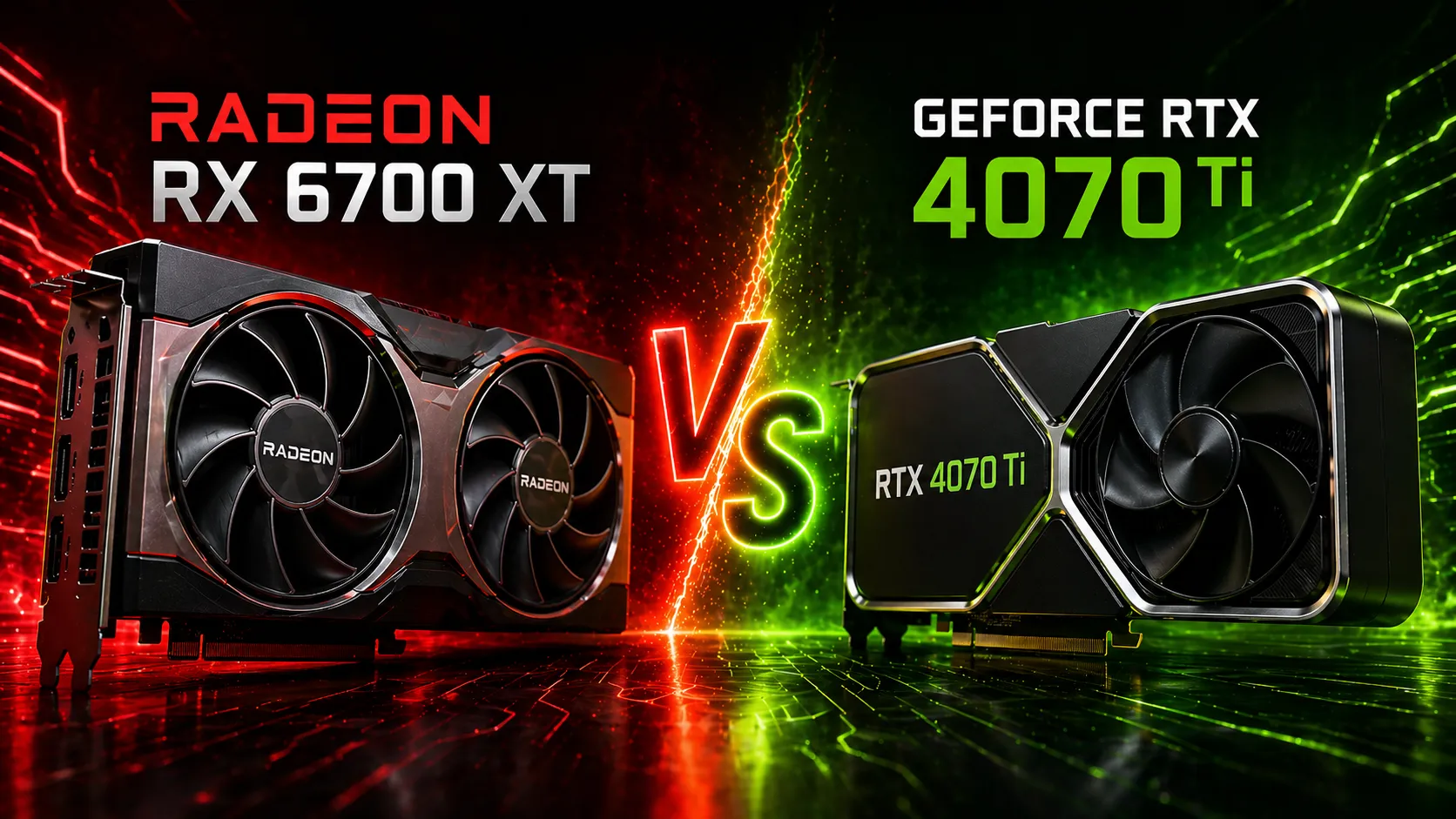
| RTX 4070 Ti | A meaningful step up, based on the measurements below | Higher performance, ray tracing, DLSS Frame Generation | Higher upgrade cost and power requirements |
The comparison depends on the workload. An RTX 3070 can be the closest gaming equivalent while still being a worse choice for a game or local-AI workflow that needs more than 8 GB of VRAM. Likewise, a newer RTX 4060 Ti brings newer NVIDIA features and efficiency but does not automatically make it the best value upgrade from a 6700 XT.
Is the RX 6700 XT Still Worth Keeping?
It can be. The RX 6700 XT remains a practical 1440p card when you are happy with rasterized performance and its 12 GB of VRAM. Replacing it with an RTX 3060 Ti, RTX 3070, or RTX 4060 Ti is usually a sidegrade for gaming performance unless you specifically need NVIDIA features, CUDA support, lower power draw, or a particular software stack.
Best RX 6700 XT Upgrade Paths in 2026
Treat an upgrade as a workload decision, not a generation-number decision:
- Keep the 6700 XT if current games meet your target frame rate and ray tracing, CUDA, and local AI are not priorities.
- Choose an NVIDIA card for features if DLSS, stronger ray tracing, CUDA applications, or broadly supported local AI runners solve a concrete problem for you. Compare VRAM before accepting an 8 GB card as an upgrade.
- Buy a genuine performance and VRAM step up if you want better high-refresh 1440p or 4K performance, heavier ray tracing, or larger local AI models. A 16 GB or larger card is generally a more durable target for VRAM-sensitive work than another 8 GB card.
- Price the complete swap before buying. Resale value, power use, PSU capacity, connectors, case clearance, and the local used market can change the answer more than a small benchmark difference.
Use the GPU Upgrade Value Calculator to compare the cost, resale value, power, VRAM, and PSU tradeoffs for cards you are actually considering. If local AI is part of the decision, check the same card against the model and context length you plan to run.
July 2026 Used-Price Snapshot
Used prices can make the comparison look very different from original launch pricing. I checked recent completed US eBay listings in July 2026 for working cards and used the displayed listing price before shipping, tax, and seller fees. Accepted Best Offer prices can differ from the displayed amount.
| Card | Displayed price range | Middle listed price | Current listings | Takeaway |
|---|---|---|---|---|
| MSI RX 6700 XT Mech 2X 12 GB | $250-$299 | $275 | View current listings on eBay | Similar price with 4 GB more VRAM. |
| RTX 3070 8 GB | $200-$220 | $210 | View current listings on eBay | Cheaper match but only 8 GB VRAM. |
| ZOTAC RTX 4070 Ti Trinity OC 12 GB | $480-$550 | $517 | View current listings on eBay | Faster upgrade at a much higher cost. |
This is a small, manually checked snapshot rather than a market index. I excluded a broken RTX 3070, an RTX 3070 Ti, an RTX 4070 Ti Super, and an RX 6700 XT listing shipped from outside the United States. Exact board model, condition, included accessories, shipping, taxes, marketplace fees, and local demand can move the real cost substantially.
My RX 6700 XT to RTX 4070 Ti Upgrade
The following results are from my own system and are useful as one measured upgrade example, not as a universal ranking for every game, resolution, or current GPU price.
TL;DR: Upgrade Verdict & Value Calculator
- Yes if you want a clear performance jump. In my Time Spy test, the RTX 4070 Ti scored 40.6% higher than my overclocked RX 6700 XT and felt noticeably smoother.
- Yes if you care about ray tracing, DLSS Frame Generation, or higher settings at 1440p/4K
- No if you’re happy with your current performance at 1080p or standard 1440p
- No if you’re expecting a massive, game-changing leap. It’s a strong upgrade, not a night-and-day difference
Bottom line:
It’s a solid upgrade, but only really worth it if you’re starting to feel limited by the 6700 XT.
Note: My RTX 4070 Ti scored 40.6% higher in Time Spy than my overclocked RX 6700 XT. Your specific “value” depends on your local used market. I built an interactive GPU Upgrade Value Calculator where you can enter what you paid and your current resale value to see the true cost of this swap.
A couple years ago, I wrote about the RX 6700 XT graphics card I owned in a post titled AMD RX 6700 XT Overclocking: Unlocking Max Performance. The main point of that post was to highlight the different levels of performance achieved from overclocking the card, and how AMD had limited the card’s power for unclear reasons. At the end of that article, I had alluded to purchasing a 4000 series card from NVIDIA as an upgrade.
The main reason for me wanting to upgrade was fear-of-missing-out (FOMO). I first built a PC during the COVID pandemic, which was a really bad time to get into the hobby. For those unaware, COVID was a time when GPU prices rose dramatically. Interest in crypto currency mining and gaming reached a fever pitch while people were forced to stay home. As someone who likes to get good deals, it was a hard time to get a high performance card for a fair price.
Initially, I got a 6700 XT because I was new to the hobby and it was easy to get at MSRP. However, as I went deeper down the PC rabbit hole I realized I wanted a card from NVIDIA.
Hardware Context
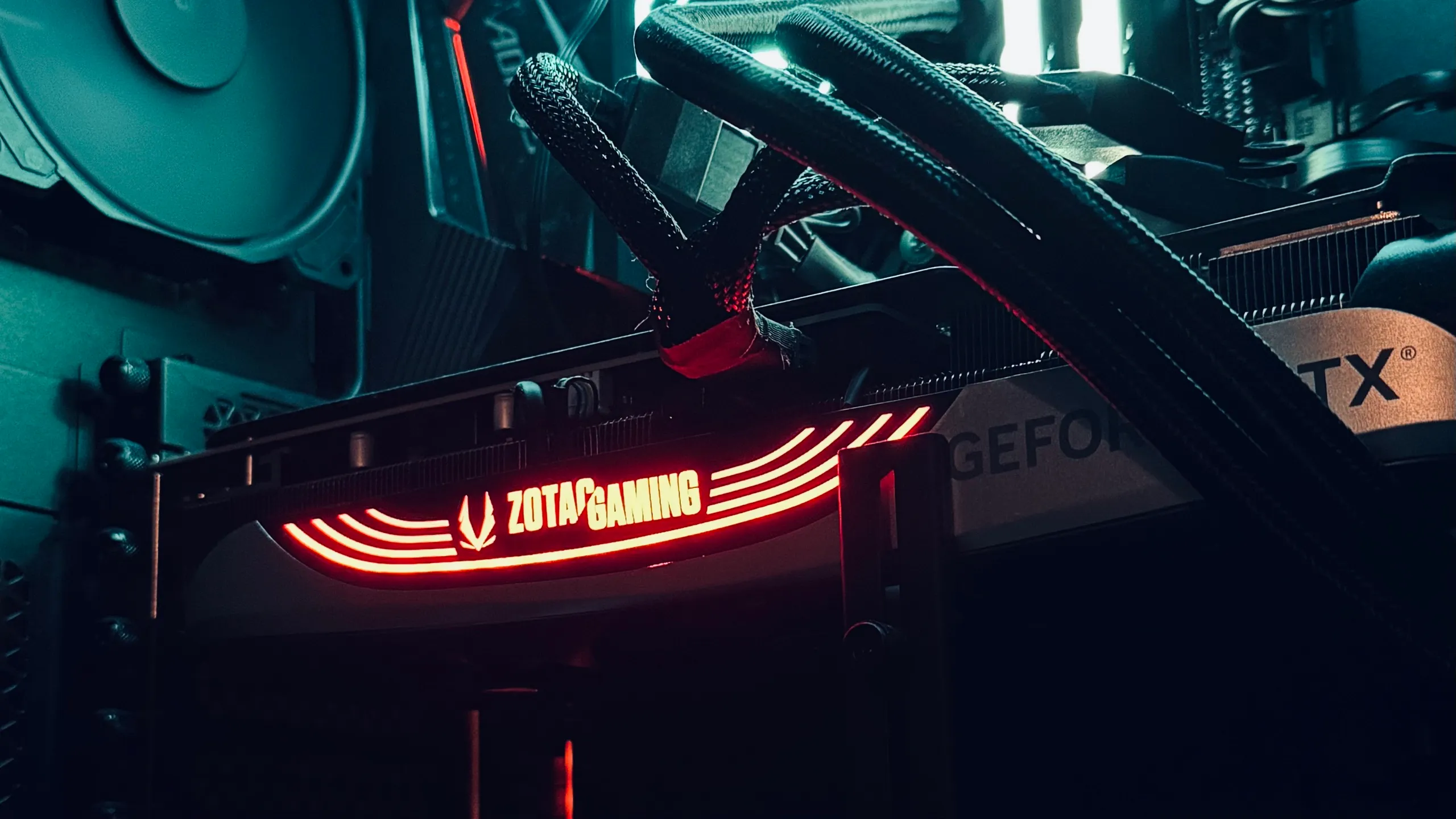
Here are the specs for my current system:
- GPU: ZOTAC GAMING GeForce RTX 4070 Ti Trinity OC
- CPU: Ryzen 5 5600
- Case: Corsair 4000D Airflow
- CPU Cooler: Corsair H100i Elite Capellix
- RAM: 2x16GB DDR4 3200 MHz Corsair Vengeance
- Power Supply: CORSAIR RM850x
Because of the GPU change, I had to bump up the Power Supply Unit (PSU) from 650 watts to 850 watts. The previous PSU I had installed was an EVGA SuperNOVA 650 G+. So both the previous and current PSUs were 80 PLUS Gold certified.
Some additional points I did not record in the previous build were the operating system, monitor set up, and SSD. While I do not recall exactly, the current configuration is as follows:
- OS: Windows 11
- Monitors: LG 27GN800-B UltraGear (2x)
- SSD (used for C:\ drive): Western Digital WD_BLACK 1TB SN770 NVMe
The monitors both support a refresh rate of 144hz at 2560x1440 resolution.
Performance Differences
Unfortunately, I no longer have the benchmark data from when I first installed the 4070 Ti into my rig. So I had to run Time Spy again. Bear in mind, I have no idea how the age of the GPU will affect the Time Spy score. In the following table, we can see the results of the various benchmarks I have run on my rig:
| Test | 6700 XT | 6700 XT Overclocked | 4070 Ti |
|---|---|---|---|
| Time Spy | 11790 | 12506 | 17588 |
| Steel Nomad | N/A | N/A | 4985 |
| Port Royal | N/A | N/A | 14027 |
| Speed Way | N/A | N/A | 5552 |
Note the addition of the Steel Nomad and Port Royal tests. I have added these additional benchmarks in case I upgrade again in the future. Should that happen, I’ll be able to come back and make a better comparison.
For those unfamiliar with PC benchmarks, Time Spy is a benchmark for gaming PCs which stresses both the CPU and GPU to determine how capable the system is. The Time Spy benchmark is useful because it can help identify conditions under which a bottleneck could occur. Steel Nomad is a newer benchmark for gaming PCs which doesn’t use ray tracing whereas Speed Way includes tests for ray tracing. Port Royal is a benchmark specifically for ray tracing.
As expected, my Time Spy result for the 4070 Ti was significantly higher than the result from my overclocked 6700 XT. The score increase was approximately 40.6%.
Additional Performance Benchmarks
After exploring 3DMark some more, I realized there were more benchmarks I could run for my build. Unfortunately, I won’t be able to compare these to my previous build, but these will be useful for comparison in the future if I swap any components.
NVIDIA DLSS Feature Test
For all of these tests, I had the following settings fixed:
- Enable legacy versions: No
- DLSS output resolution: 2560x1440
- Use frame generation: Yes
- Frame generation: 2x
| DLSS Off Framerate | DLSS On Framerate | DLSS Version | Super Resolution |
|---|---|---|---|
| 64.76 | 234.08 | 4 | Ultra Performance |
| 64.70 | 195.16 | 4 | Performance |
| 64.76 | 173.15 | 4 | Balanced |
| 64.74 | 153.24 | 4 | Quality |
| 64.97 | 100.48 | 4 | DLAA |
| 64.89 | 198.58 | 3 | Performance |
| 64.93 | 150.36 | 3 | Quality |
So for my particular build, it looks like I can get the smoothest experience when running with the Ultra Performance resolution setting. However, the particulars of which setting to use depends on the DLSS off framerate and game. For example, if I was playing an FPS it would be good to get the DLSS off framerate as close to the monitor refresh rate as possible before turning DLSS on.
Interestingly enough, DLSS3 and DLSS4 have very close framerates when set to Performance or Quality as the Super Resolution setting.
Storage Benchmark
My SSD was replaced after a fatal crash corrupted the SSD I had previously. I documented the SSD problems in this post Recovering from a Serious PC Crash. The previous SSD was, if I remember correctly, a Silicon Power 1TB - NVMe M.2 PCIe Gen3x4 2280 SSD.
Anyway, I am not sure if this benchmark was available in 3DMark for me before. Just for fun, I decided to install the test and run it for my C:\ drive SSD. The score was 2957.
NVIDIA-Exclusive Differences
One of the main reasons I wanted to upgrade from the 6700 XT was DLSS. My RTX 4070 Ti supports DLSS Super Resolution and DLSS 3 Frame Generation; newer DLSS features have different hardware requirements, so check the feature support for the exact card you are considering. Another thing I was interested in was ray tracing, which has better support on NVIDIA cards.
As an aside, I also recently discovered ComfyUI has support for either CPU or NVIDIA GPU computations. When experimenting with the tool on our desktops, a friend and I found the GPU performance on my machine to be far superior to the CPU performance on their machine. My friend has an AMD GPU, so they were forced to select the CPU option.
Price-to-Performance: Was the Upgrade Worth it?
From a pure price-to-performance ratio, let’s break down the actual costs. I originally purchased the 6700 XT for $499.99 and later sold it to a friend for $250. The 4070 Ti cost $829.99, making my actual out-of-pocket upgrade cost $579.99 ($829.99 - $250). For this net cost, my Time Spy score increased 40.6% from 12,506 with the overclocked 6700 XT to 17,588 with the 4070 Ti, plus access to NVIDIA’s ecosystem of features.
We can divide the Time Spy score by the price to determine how many performance points per dollar the cards give. While not a perfect measure, this can give some insight into the value relative to the overall build:
- 6700 XT Time Spy score (OC): 12,506 / $499.99 = 25.01 points per dollar
- 4070 Ti Time Spy score: 17,588 / $829.99 = 21.19 points per dollar
While the performance-per-dollar ratio might still favor the 6700 XT on paper, the value proposition extends beyond raw benchmark numbers. The DLSS experience is pretty amazing, as shown in the benchmark results where DLSS can push framerates from ~65 FPS to over 230 FPS in optimal conditions. Ray tracing support and performance is significantly better on the 4070 Ti, and the card’s AI capabilities enable new workflows like running image generation models locally.
In games like Call of Duty Black Ops 6, the combination of DLSS and ray tracing provides an impressive experience that simply wasn’t possible with the 6700 XT. I can maintain high framerates with excellent visual quality without feeling like there’s too much input lag. For content creators, developers, or anyone interested in AI/ML experiments, the NVIDIA-specific features add significant value beyond gaming performance.
Considering the actual upgrade cost of $579.99 rather than the full retail price, and factoring in all the additional capabilities, I would say yes, it was worth it for my use case.
Conclusion
Upgrading from the RX 6700 XT to the 4070 Ti has proven to be a worthwhile investment, despite the initial sticker shock. The 40.6% performance improvement in raw benchmarks only tells part of the story - the real value comes from the NVIDIA-exclusive features like DLSS and superior ray tracing capabilities. While the points-per-dollar ratio might favor the 6700 XT, the ability to push games well beyond 144 FPS at 1440p while maintaining visual quality, combined with the AI/ML capabilities for tools like ComfyUI, makes this a compelling upgrade for both gaming and development work. For anyone considering a similar upgrade path, I’d recommend weighing not just the benchmark numbers, but also how much value you’ll get from the broader NVIDIA ecosystem of features.